Employee experience technology should make the moments that matter at work less frustrating: joining, finding an answer, changing details, getting support, or moving into a new role. Start with one of those moments rather than with the idea that the business needs another platform.
Follow the employee’s question across departments
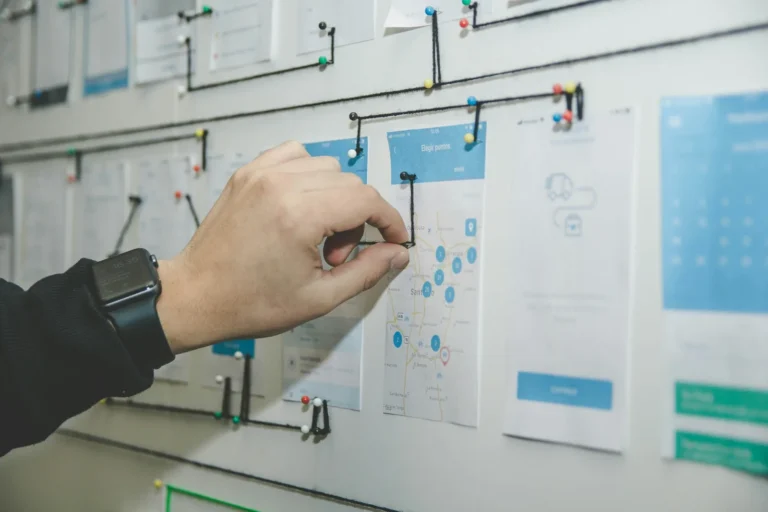
An employee changing their working pattern may need information from a manager, HR, payroll, and benefits. They should not have to understand your internal structure to find out what happens next. Map the journey from their point of view, including repeated information and waiting time.
Fix the underlying handoff as well as the interface. A cleaner portal can make a request easier to submit while leaving the employee waiting just as long for an answer. The experience includes the response, not only the screen.
Choose a journey with visible friction
Examples include joining the organization, changing a manager, requesting leave, finding a policy, or resolving a pay question. Follow the whole journey, including handoffs between HR, IT, payroll, and the employee’s manager.
Record repeated information requests, unclear status messages, delays, and situations where employees do not know whom to contact. Those details are more actionable than a broad ambition to become “digital.”
Design around the task
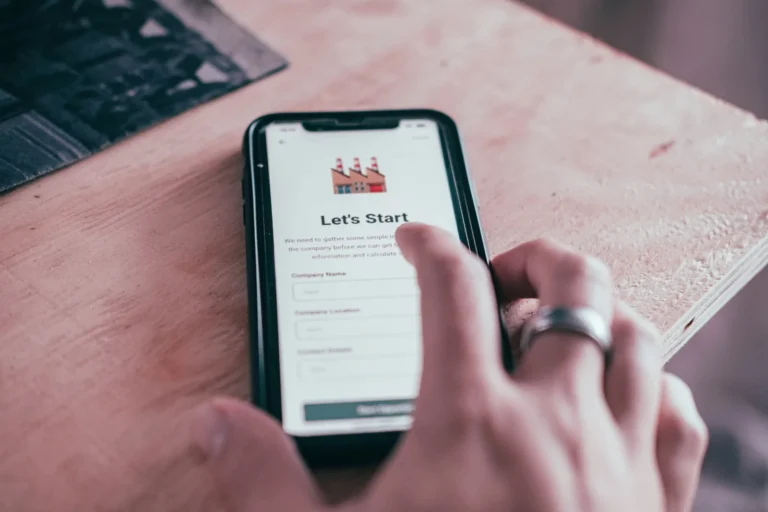
Give employees a clear starting point, understandable instructions, and confirmation of what happened. Separate a submitted request from a completed action. Show the next step and provide a route for exceptions.
Use employee self-service where it reduces effort. Do not simply transfer administrative work to employees and describe the result as empowerment.
Test with representative users
- Include frontline, remote, and infrequent users.
- Test the devices and access arrangements people actually have.
- Include accessibility needs early.
- Observe completion without coaching.
- Ask what the employee expected to happen next.
The W3C Web Content Accessibility Guidelines overview offers a technical reference for accessible interfaces. Practical testing should also reveal unclear language, unnecessary steps, and missing support.
Connect the information behind the interface
A friendly screen cannot resolve conflicting policies or broken integrations. Confirm the source of employee information and the ownership of each handoff. Use HR service delivery to handle questions that require a person.
If AI provides answers, test accuracy and applicability. A fast, confident answer that uses the wrong policy creates more friction than a clear route to a specialist.
Measure the outcome employees care about
Track successful completion, errors, time waiting, repeat contacts, and employee effort. Review the entire process rather than optimizing one screen while another team absorbs the extra work.
Use the findings to prioritize the next improvement. A better employee experience often comes from a series of well-chosen fixes: clearer ownership, reliable data, simpler tasks, and accessible human help when the situation does not fit the standard workflow.
A smoother employee experience depends on getting the exceptions right. Our benefits enrollment software guide shows what to test.
Let ordinary users show you the problem
Watch people complete the task without coaching. Include employees using different devices and people who rarely visit the system. Ask what they expected a label or confirmation to mean.
Measure successful completion, repeat contacts, and the time until the employee receives a usable result. Keep a human route for situations that do not fit the standard journey. A well-designed service should reduce the effort needed to get help, not make employees prove that they have exhausted every self-service option before someone listens.
Updated October 4, 2026.